
ElvUI plugin · Retail and Classic
Your interface.
Ready for every pull.
xScarlifeUI turns ElvUI and the AddOns around it into one clean World of Warcraft setup. Install the plugin, run the in-game installer and apply only the parts you want.
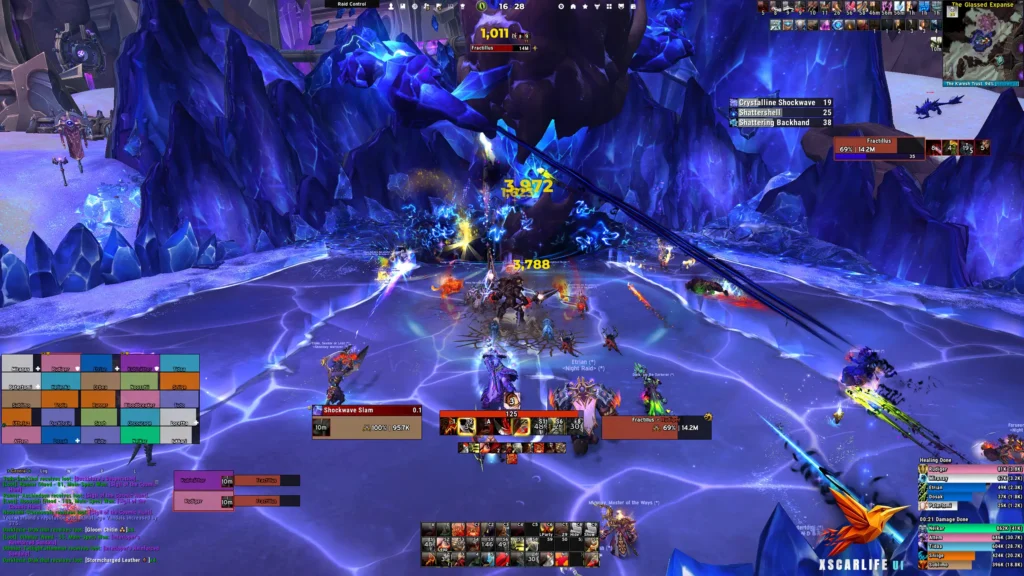
xScarlifeUI // Warrior // 2560 × 1440
In-game profile

Free
No paywalls or accounts

Every class
Tank and damage covered

Nine profiles
A complete Retail package

One installer
Choose what gets applied
Built to stay readable
One interface. Every character.
The layout keeps the same visual logic across classes and specialisations, so your eyes know where to look before the pull even starts.
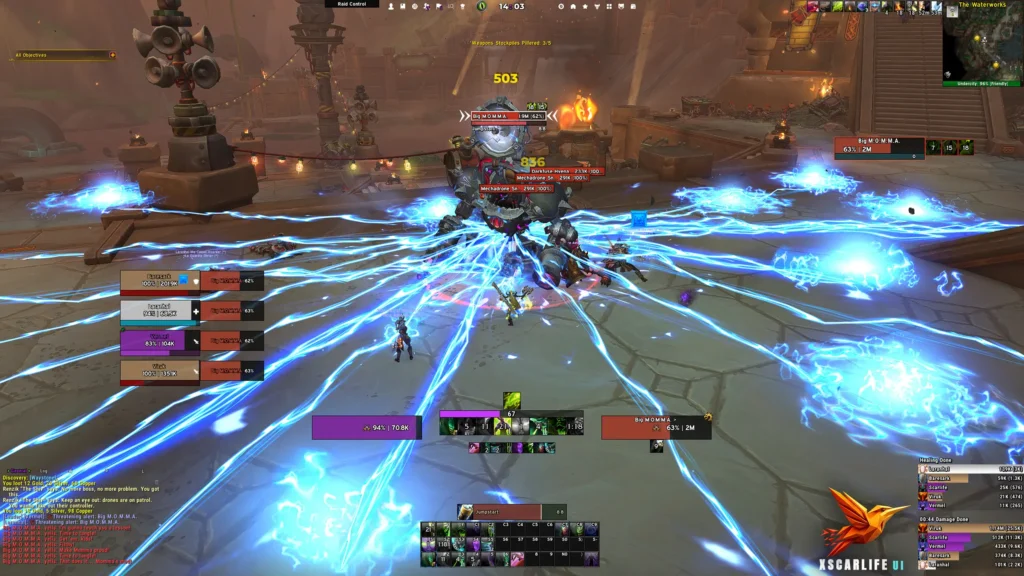
Demon Hunter profile
Full interface shown, without cropping

Built for every class
The same anchor points hold up when you change character, role or specialisation.

Readable under pressure
Nameplates, cooldowns and boss timers stay clear of the centre where the fight happens.

Still yours to change
The installer applies only the pieces you select and leaves the rest of your interface alone.
Seen in Azeroth
The same language across every role
Ranged, melee and pet classes all use the same foundation. Open any screenshot to inspect the complete UI at full size.
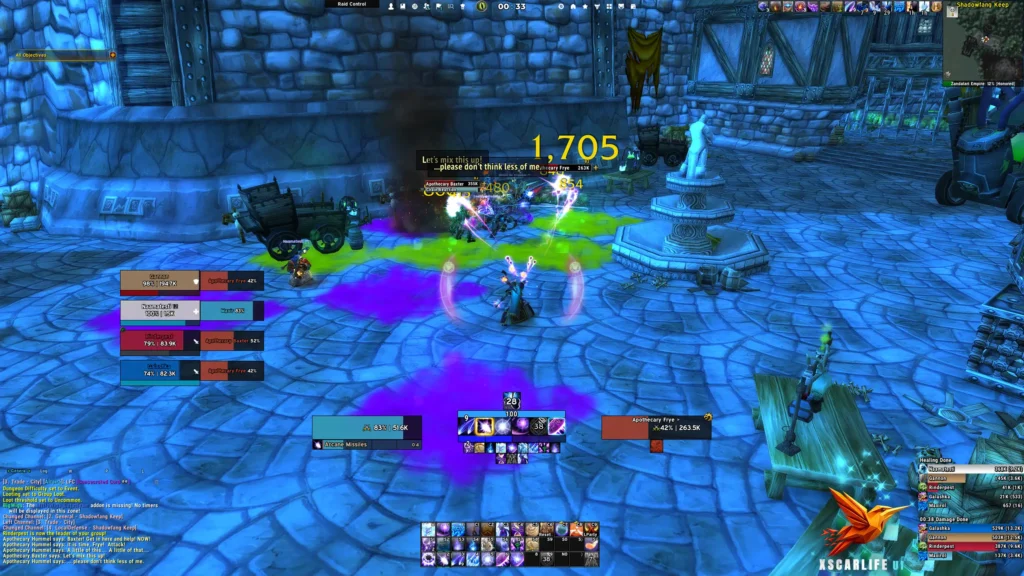
Mage
Ranged
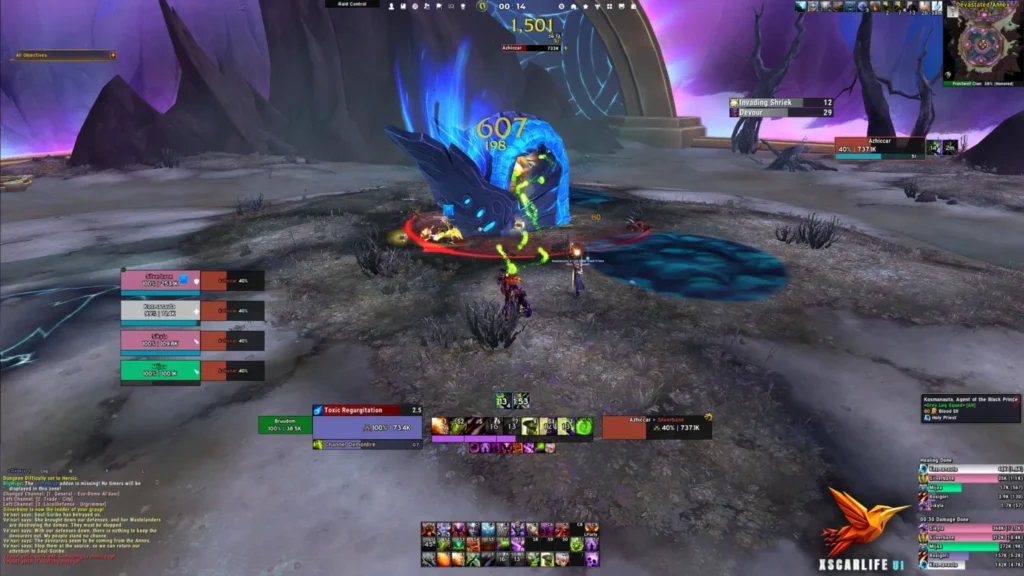
Warlock
Ranged
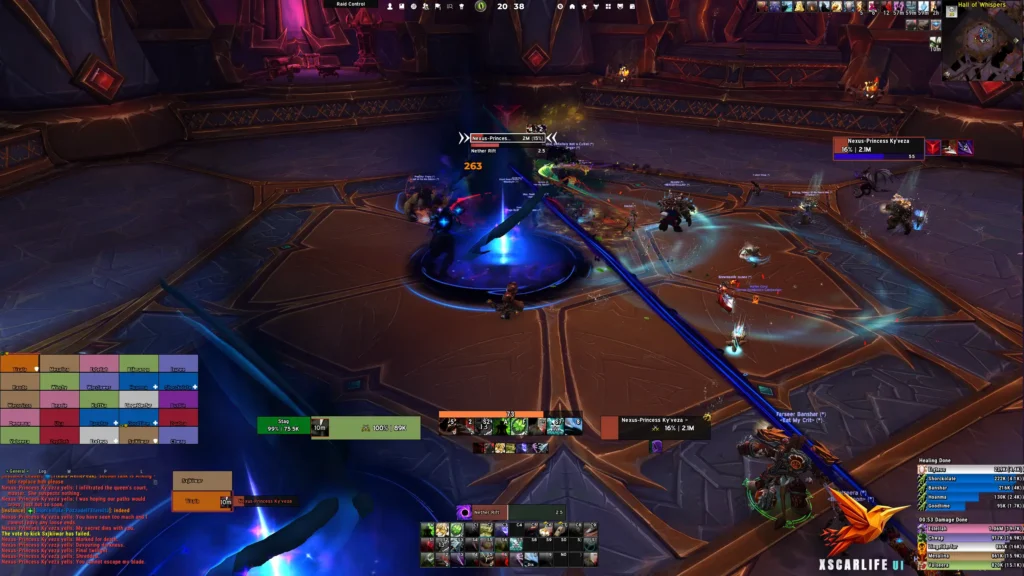
Hunter
Pet class
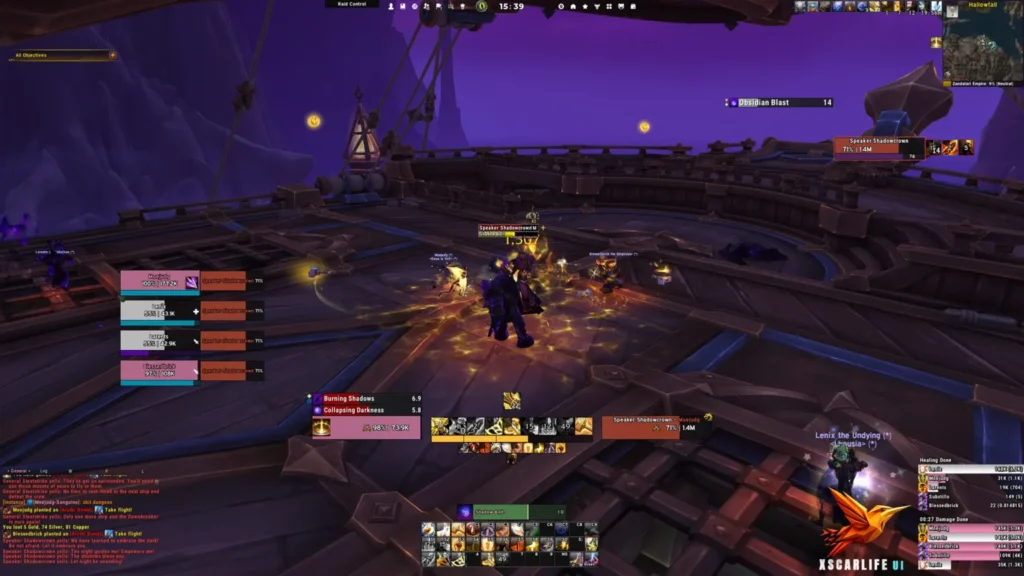
Paladin
Melee
Demon Hunter
Melee
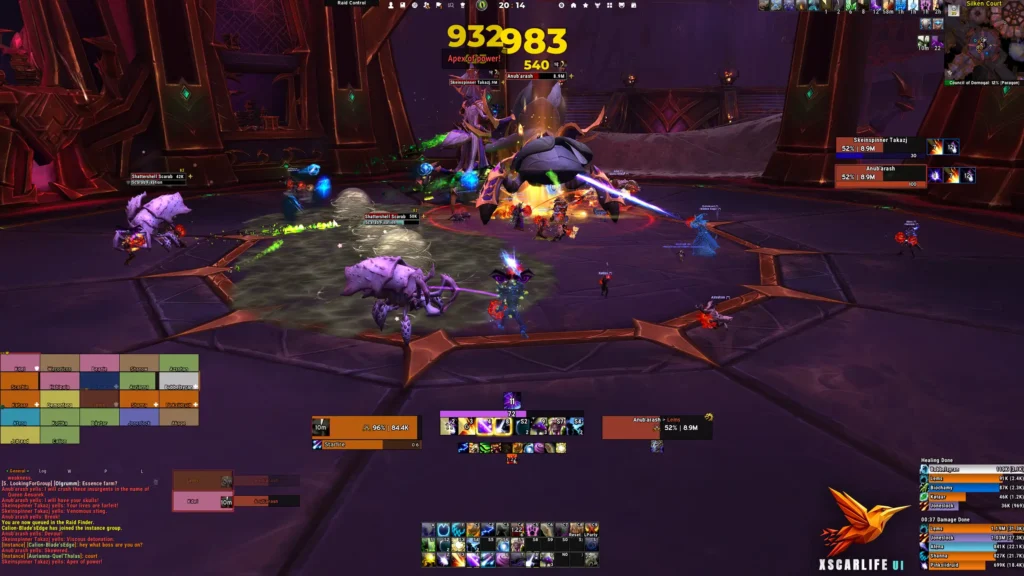
Druid
Hybrid
Inside xScarlifeUI
A complete interface package
Retail ships with nine profiles. Classic Mists of Pandaria and Classic Era carry six because several supporting AddOns do not exist on those clients.
ElvUI
Main ElvUI
The full layout, positioning and core styling.
ElvUI
ElvUI Private
Character-specific frames, bars and personal options.
ElvUI
WindTools
Micro menu, clock and supporting interface tools.
Addon
Details!
Damage meter layout matched to the interface.
Addon
BigWigs
Boss timers positioned clear of combat.
Addon
Platynator
Jundies nameplate profile hosted on Wago.
Blizzard
Edit Mode
The Blizzard layout aligned with the rest.
Blizzard
Cooldown Manager
Centred icons, buffs and bars.
Addon
Class Resource Bar
Health plus primary and secondary resources.
Before you install
Bring the right AddOns
xScarlifeUI is a profile layer for ElvUI and its supporting tools, so the required AddOns need to be active before the installer runs.
Required AddOns
Optional AddOns
Resolution note. The interface was designed at 2560 × 1440. At 1920 × 1080, choose Auto Scale in ElvUI first and adjust individual elements only if needed.
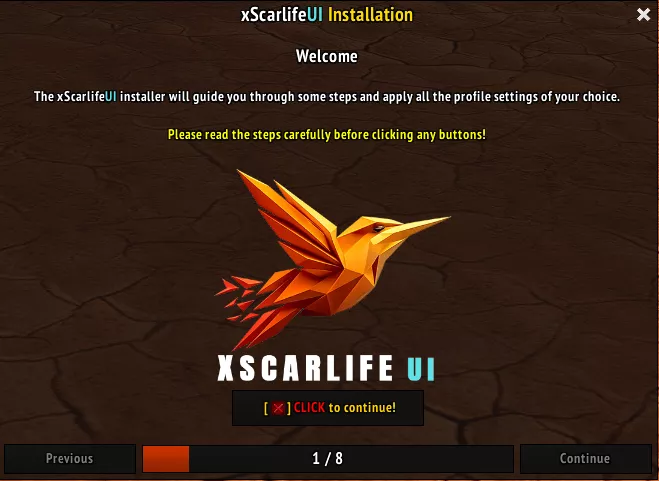
The in-game installer lets you choose each profile separately.
Two routes, one interface
Install it your way
The installer is the fastest route. Import strings give experienced users control over exactly which profiles are applied.
Recommended
Automatic installer
Download the AddOn, enable the required tools and follow the in-game setup.
Advanced
Manual import
Copy each profile string and paste it into the matching AddOn or Blizzard import window.
Back up your WTF folder first. Importing profiles overwrites current settings. Keep a copy before you start.
Profile library
Choose your game version
Each World of Warcraft client has its own maintained set of import strings.

9 import strings

6 import strings

6 import strings
Legacy profile
About Retail Healer. This separate layout is being retired. It remains available for now, while new work goes into the main Retail profile.
Installation walkthrough
Watch the complete setup
Follow the full installation from download to the final in-game profile selection.
Need help with your setup?
The Discord server is the fastest place for installation questions and troubleshooting. Have an idea or spotted an issue with xScarlifeUI itself? Share feedback here.
Release notes
What changed
The latest notes are pulled from the addon repository, so this page stays aligned with the version that shipped.
Retail
- /
Classic Era
- Updated version number.
Classic MoP
- /
WoW Forever
- /
Ready for Azeroth
Build the interface around how you play
Start with the installer, then tune any profile to make the setup your own.